

Global Broker Regulation Inquiry App
About WikiFX
English
简体中文
繁體中文
English
Pусский
日本語
ภาษาไทย
Tiếng Việt
Bahasa Indonesia
Español
हिन्दी
Filippiiniläinen
Français
Deutsch
Português
Türkçe
한국어
العربية
اردو



ActivTrades Login and Demo Account Registration Guide

WikiFX
|


Abstract:Step-by-step guide for ActivTrades login and demo account. Learn how to register, access your account, and explore forex trading risk-free.
How New Traders Can Start with ActivTrades?
ActivTrades provides a straightforward login system that accommodates both live and demo accounts. The platform interface is intuitive, allowing traders to switch between demo and live environments without losing any trading history.
Step-by-Step Account Registration
Step 1: Create an Account
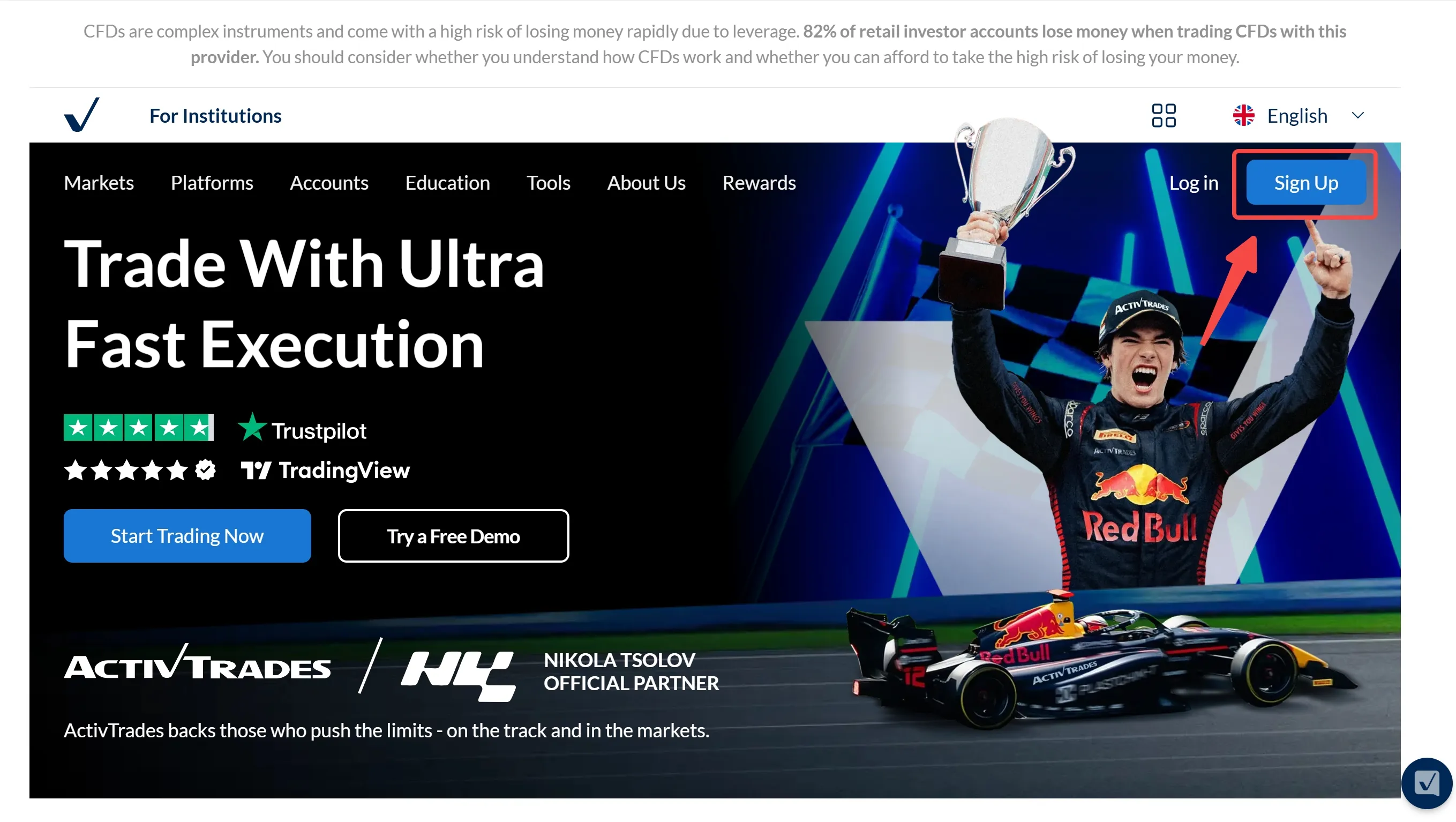
Visit the ActivTrades website and click “Sign Up.” Complete the personal details and verify the registered email.
Step 2: Submit Verification Documents
Upload a valid ID and proof of residence to comply with FCA regulations.
Step 3: Fund the Account
Choose a preferred deposit method and deposit the minimum required.
Step 4: Access the Account – Log in via ActivTrader, TradingView, MT4 or MT5 to begin trading.
Demo Account Access
ActivTrades allows traders to open a demo account instantly, providing virtual funds to test strategies and platforms such as MetaTrader4/5 without financial risk. This feature helps build confidence before engaging in live trading.
FAQs about ActivTrades Login
How can a trader access their ActivTrades account?
Traders can log in using their registered email and password via ActivTrader, TradingView, MT4 or MT5.
Is it possible to open a demo account without funding?
Yes, the demo account is fully functional and provides virtual funds, allowing practice trading freely without financial risk.
What should be done if the account password is forgotten?
ActivTrades provides a secure “Forgot Password” option. Traders can follow the email verification steps to reset the password.
Is two-factor authentication available?
Yes, two-factor authentication (2FA) is supported and recommended for enhanced account security.
Can one account be accessed from multiple devices?
Yes, account data is synchronized across all devices.
Disclaimer:
The views in this article only represent the author's personal views, and do not constitute investment advice on this platform. This platform does not guarantee the accuracy, completeness and timeliness of the information in the article, and will not be liable for any loss caused by the use of or reliance on the information in the article.
WikiFX Broker
Latest News
NZDCHF: Bearish Now, But Is Smart Money Preparing the Reversal?
WikiFXRockGlobal Review for India: Which Licence Was Cancelled on 19 July 2024?
WikiFXOROKU EDGE Review 2026: What Traders Should Know About Withdrawal & Slippage Reports
WikiFXLeading the Transparency Movement, The Trust Dialogue with AUS GLOBAL
WikiFXIf You Still Struggle To Make Money After Passing a Prop Firm Challenge
WikiFXMalaysia Police Busted a Scam Call Centre & Arrested 3 Chinese Nationals
WikiFXTenX Prime Review 2026: Revisiting Withdrawal Denials & PAMM-related Fund Loss Complaints
WikiFXIG Faces Hundreds Of Job Cuts In Global Restructure
WikiFXMalaysia To Host Asia Fintech Regulatory Summit
WikiFXWeekend CFD Trading Moves Beyond Gold as Brokers Add Oil, Silver and Indices
WikiFX