

Global Broker Regulation Inquiry App
About WikiFX
English
简体中文
繁體中文
English
Pусский
日本語
ภาษาไทย
Tiếng Việt
Bahasa Indonesia
Español
हिन्दी
Filippiiniläinen
Français
Deutsch
Português
Türkçe
한국어
العربية
اردو


TradeZero Login & Account Setup: a Step-by-step Guide

WikiFX
|


Abstract:Step-by-step guidance for TradeZero login: registration, identity checks, MFA setup, minimum deposit, platform access, and practical tips for a smoother start.
How Can New Traders Start with TradeZero?
Step 1 — Create your account: register and complete identity verification.
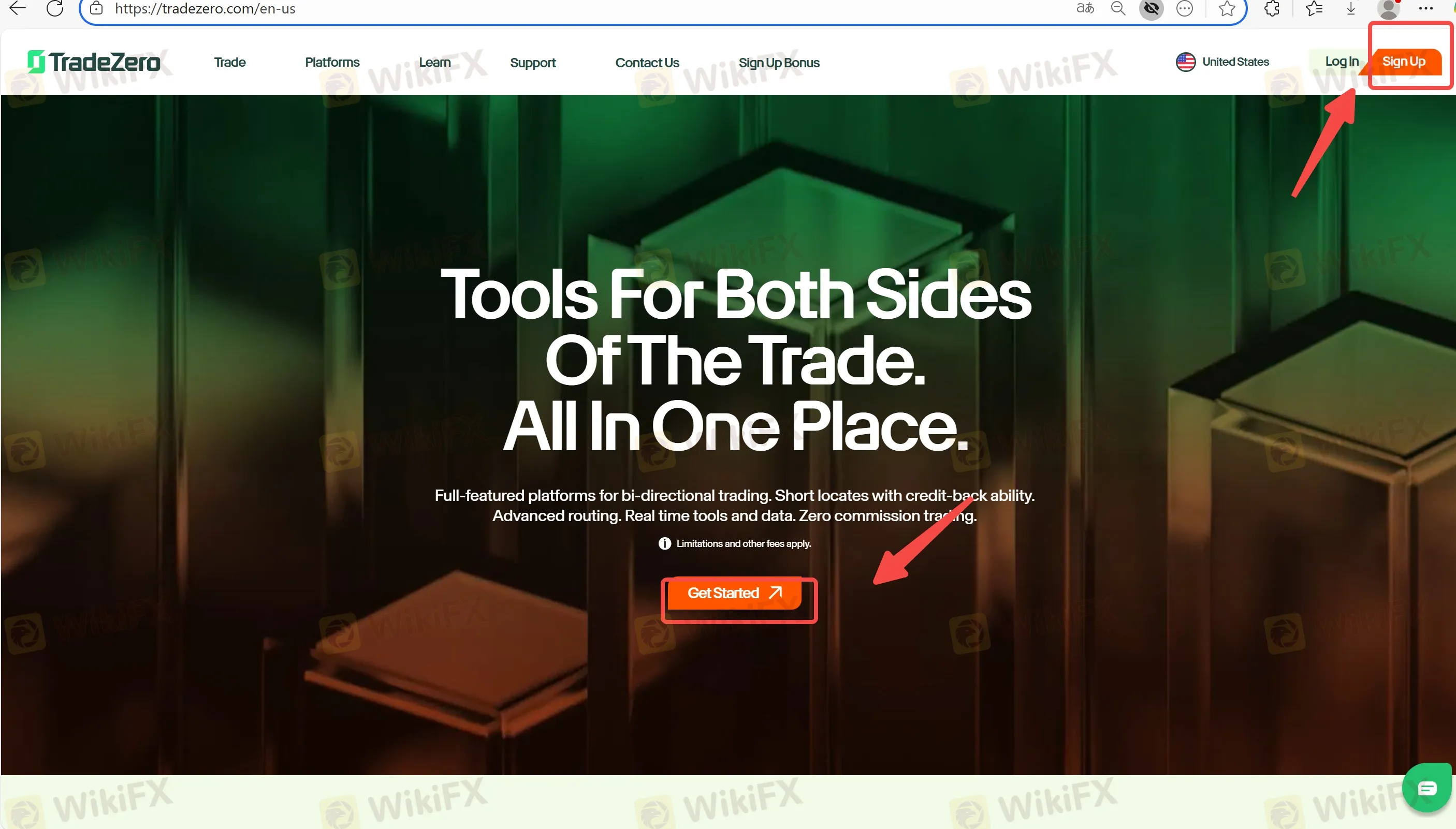
Step 2 — Fund your account: U.S. minimum $2,500 via ACH or wire.
Step 3 — Choose your platform: ZeroPro/ZeroWeb/ZeroFree/ZeroMobile; Pro bundle is $59/month.
Step 4 — Enable MFA (recommended): set up a 6-digit app-based token in the Client Portal (Multi-Factor Authentication guide provided).
Step 5 — (Optional) Start paper trading: 30-day free paper account with $1,000,000 virtual funds.
What Else Affects Login & Access?
- Extended hours: access from 4:00 AM to 8:00 PM ET is advertised.
- Risk controls: a portal tool can cap daily loss at the portfolio level (9:30 AM–4:00 PM ET).
FAQs about Login
Q1. How do I set up MFA for login?
Follow the 5-step guide: open your authenticator app → Client Portal “Set up MFA” → scan code → enter password → enter 6-digit token.
Q2. Can I test platforms before funding?
Yes—free 30-day paper trading. After the trial, youll need a funded account to continue.
Q3. Where do I get help if I cant log in?
24/7 live chat and U.S. phone/email support are listed on the Support pages.
Q4. How long does approval take after registration?
Timing depends on KYC review and the arrival of funding (ACH vs. wire vary by bank).
Disclaimer:
The views in this article only represent the author's personal views, and do not constitute investment advice on this platform. This platform does not guarantee the accuracy, completeness and timeliness of the information in the article, and will not be liable for any loss caused by the use of or reliance on the information in the article.
WikiFX Broker
Latest News
Silver Price Forecast: False breakout and hawkish Fed sink XAG
WikiFXOEXN Broker Review: Regulated but is it Safe for Traders?
WikiFXMexican Peso tumbles as Warsh embarks on inflation fight
WikiFXDow Jones Industrial Average round-trips a Fed that promised nothing
WikiFXBreaking: Nonfarm Payrolls benchmark revision to lower US employment by 79,000 through March 2026
WikiFXEC Markets Marketing Director Nick Xydas Steps Down
WikiFXFXDD Malta Licence Ends: What Traders Need to Know
WikiFXPoland: Growth supported by investment rebound – ING
WikiFXSouth Korean Won: BoK tightening supports KRW against US Dollar – Commerzbank
WikiFXJapanese Yen dips further despite hotter inflation, upbeat employment data
WikiFX