

Global Broker Regulation Inquiry App
About WikiFX
English
简体中文
繁體中文
English
Pусский
日本語
ภาษาไทย
Tiếng Việt
Bahasa Indonesia
Español
हिन्दी
Filippiiniläinen
Français
Deutsch
Português
Türkçe
한국어
العربية
اردو


FYERS Login Guide for Web and App Users

WikiFX
|


Abstract:Learn how to log in to FYERS via web and mobile app. Discover registration steps, account access tools, and security features for seamless login.
How Do I Access My FYERS Trading Account?
FYERS provides multiple access channels:
- Web Portal: myaccount.fyers.in
- Mobile App: FYERS: Stocks & Options on iOS and Android
- TradingView Login: via FYERS credentials
Security includes 2FA, mobile OTP, and email-based validation.
Step-by-Step: How to Register and Log in to FYERS
Step 1: Visit fyers.in and click “Sign Up Now”
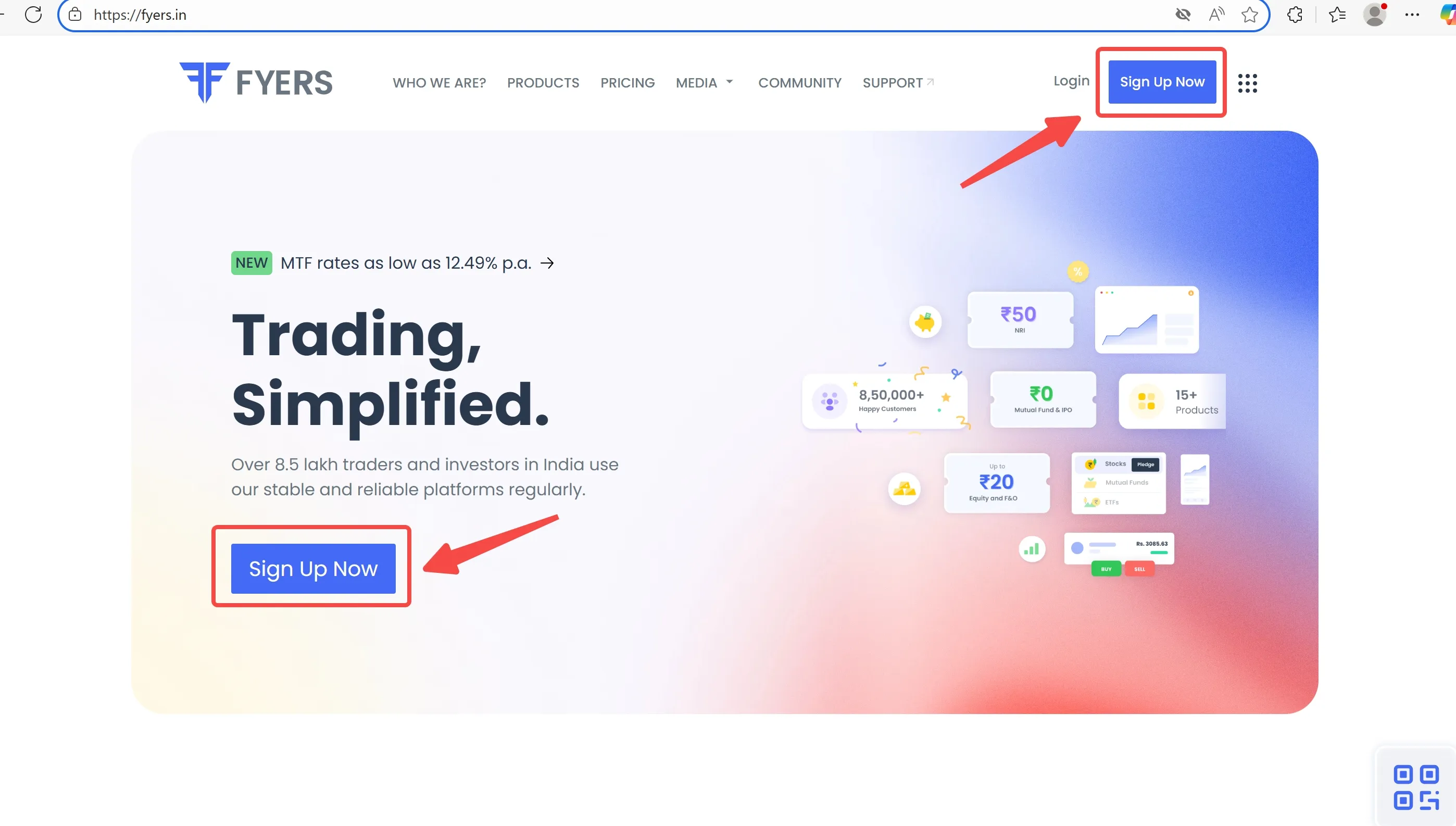
Step 2: Complete Aadhaar eKYC, upload PAN, bank proof, income proof (for F&O)
Step 3: FYERS verifies your documents (within 24–48 hours)
Step 4: You receive your login credentials via email
Step 5: Download FYERS app or access via web to start trading
Step 6: Enable 2FA and set a secure password
Common Questions About FYERS Login Process
Q1: Can I log in to FYERS using Google or Facebook?
No. You must use your FYERS ID and password, followed by OTP-based 2FA.
Q2: What if I forget my FYERS login password?
Use the “Forgot Password” link on the login page. An OTP-based reset is initiated.
Q3: Can I log in using the FYERS app abroad?
Yes, FYERS is accessible globally but supports Indian-resident accounts.
Q4: Does FYERS offer biometric login?
Yes, fingerprint/Face ID login is supported on the mobile app.
Q5: Where do I check my account balance and reports?
You can view it via the “My Account” dashboard after login.
Disclaimer:
The views in this article only represent the author's personal views, and do not constitute investment advice on this platform. This platform does not guarantee the accuracy, completeness and timeliness of the information in the article, and will not be liable for any loss caused by the use of or reliance on the information in the article.
WikiFX Broker
Latest News
EMAR MARKETS Review: What Traders Should Know Before Depositing
WikiFXRBI Tightens Rupee Derivative Rules as Currency Hovers Near Record Low
WikiFXMan Sells His House to Invest, Only to Lose RM132,590 in Forex Scam
WikiFXU.S. Dollar Moves Away From Session Highs As Treasury Yields Drop: Analysis For EUR/USD, GBP/USD, USD/CAD, USD/JPY
WikiFX92 Claims, No Sources: The Trump Scorecard Line That Touches India
WikiFXRupee Fell to ₹97, Clawed Back to ₹94.5 — The $15.4 billion Oil Bill is Still There
WikiFXOtetMarkets Review 2026: Reported Account Block, Bonus Abuse & Withdrawal Delay Claims
WikiFXXTrend Speed Broker Exposed: What Are Other Traders Saying About This Broker?
WikiFXUganda Central Bank Starts Selling Dollars After Rate Hike Fails to Lift Shilling
WikiFXWoman Pawns Her Jewellery to Invest, Only to Lose RM87,975 in Scam
WikiFX