

Global Broker Regulation Inquiry App
About WikiFX
English
简体中文
繁體中文
English
Pусский
日本語
ภาษาไทย
Tiếng Việt
Bahasa Indonesia
Español
हिन्दी
Filippiiniläinen
Français
Deutsch
Português
Türkçe
한국어
العربية
اردو


IC Markets Login – How to Register, Sign in, and Access Your Trading Account?

WikiFX
|


Abstract:Learn how to log in to IC Markets using your email and password, manage multiple accounts, and access platforms like MT4, MT5, and cTrader. Step-by-step login guide included.
How Do You Log In to IC Markets Trading Accounts?
IC Markets provides a unified and secure login portal for managing your trading profiles. Once registered, traders access the Secure Client Area, where they can manage funds, open live or demo accounts, and download trading platforms. Login is performed via email and password, with optional 2FA (two-factor authentication) for added protection.
The login credentials also allow seamless access to trading platforms (MT4, MT5, cTrader) using the platform-specific account numbers and passwords issued upon account creation.
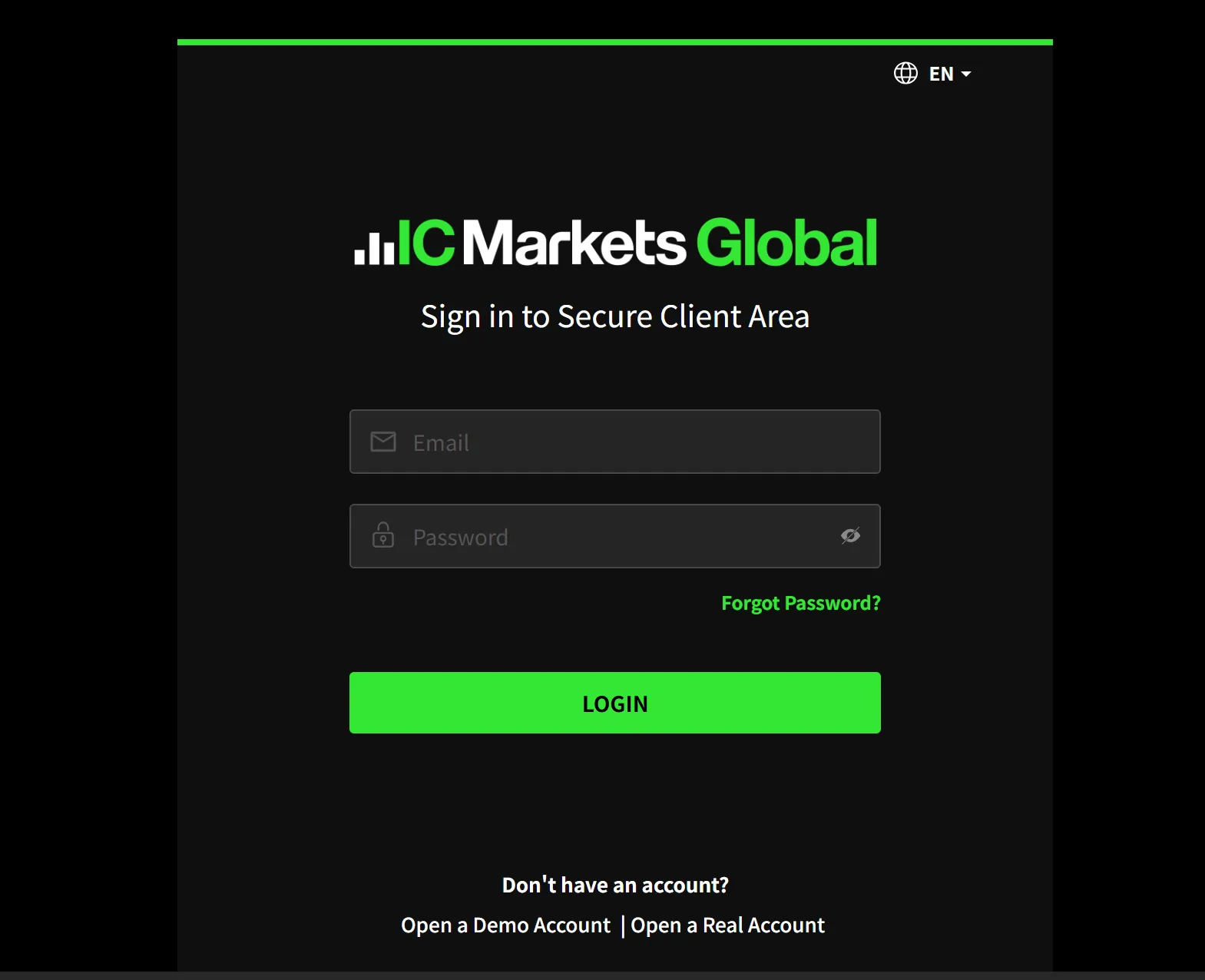
IC Markets Account Access and Login Features
- Secure Client Portal: Used for managing account settings, deposits/withdrawals, and platform downloads.
- Trading Platforms Login: Requires separate credentials (login ID + trader password), provided upon account setup.
- Mobile Login: Through the IC Markets app or respective trading platform apps (MT4, MT5, cTrader) on iOS/Android.
- 2FA Security: Google Authenticator or similar apps can be linked to increase login protection.
IC Markets does not allow social media login or third-party SSO (Single Sign-On). Login attempts are logged and monitored for suspicious behavior.
FAQs about IC Markets Login and Account Access
Where do I log in to my IC Markets account?
You can access the secure client area at https://secure.icmarkets.com.
Can I use the same credentials for MT4/MT5 and cTrader?
No. Each platform requires its own login credentials, provided upon account creation within the Secure Client Area.
What should I do if I forgot my password?
Click “Forgot Password” on the login page to reset via your registered email. If you lose access to your email, contact support directly.
Is login access available 24/7?
Yes. Traders can log in anytime to manage accounts or trade. Maintenance updates may occasionally restrict access briefly.
Can I use Face ID or biometrics to log in via mobile?
Yes. If using the mobile apps, biometric login like Face ID or fingerprint can be enabled after initial password login.
Is my login activity monitored for suspicious behavior?
Yes. IC Markets employs server-side security to detect and block abnormal login attempts and unauthorized IP activity.
Disclaimer:
The views in this article only represent the author's personal views, and do not constitute investment advice on this platform. This platform does not guarantee the accuracy, completeness and timeliness of the information in the article, and will not be liable for any loss caused by the use of or reliance on the information in the article.
WikiFX Broker
Latest News
RBI Tightens Rupee Derivative Rules as Currency Hovers Near Record Low
WikiFXInside WeTrade’s Exclusive Houston Rockets VIP Experience in Macao
WikiFXFirst Light News: Chip Bounce Fails to Inspire Asia & France Weighs on Europe
WikiFXNigeria's Weekly Dollar Trading Falls 22% to $2.62 Billion as Forward Deals Plunge
WikiFXXTrend Speed Broker Exposed: What Are Other Traders Saying About This Broker?
WikiFXCFI Puts a Trading Behaviour Score and AI Assistant Inside Its App
WikiFXLeading the Transparency Movement, The Trust Dialogue with Vatee
WikiFXOtetMarkets Review 2026: Reported Account Block, Bonus Abuse & Withdrawal Delay Claims
WikiFXMan Sells His House to Invest, Only to Lose RM132,590 in Forex Scam
WikiFXEMAR MARKETS Review: What Traders Should Know Before Depositing
WikiFX