

Global Broker Regulation Inquiry App
About WikiFX
English
简体中文
繁體中文
English
Pусский
日本語
ภาษาไทย
Tiếng Việt
Bahasa Indonesia
Español
हिन्दी
Filippiiniläinen
Français
Deutsch
Português
Türkçe
한국어
العربية
اردو



JustMarkets Login, Registration, Demo Account — a Practical Guide

WikiFX
|


Abstract:Step-by-step JustMarkets login and registration. Open a live or demo account on MT4/MT5, connect your platform, and manage access via web or mobile.
How Do New Traders Get Started on JustMarkets?
I run this workflow for new users so nothing gets missed:
Step 1. Go to the website and click Register (or install the mobile app).
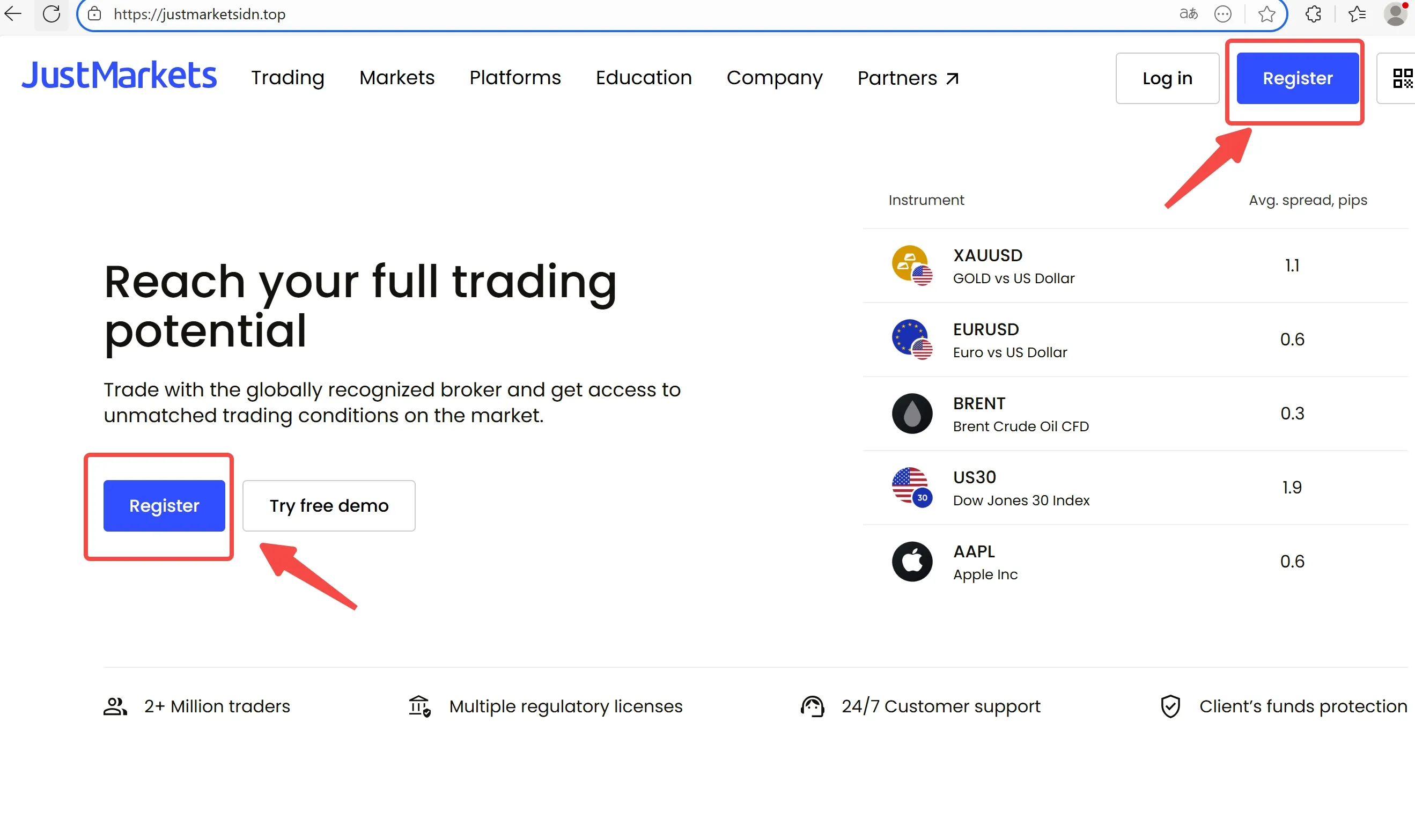
Step 2. Create your profile with email and a strong password; agree to the terms.
Step 3. Verify your email (and any prompts shown in your region).
Step 4. In the Personal Area, choose Open Live Account or Open Demo Account (MT4 or MT5). Pick account type (Standard, Standard Cent, Pro, Raw) and set leverage/base currency.
Step 5.Download MT4/MT5 for PC or install the MetaTrader app; or use the web terminal.
Step 6. For live trading, make the first deposit that meets the account minimum.
How to Open a Demo Account? (My Quick Setup)
Step 1. Log in to your personal area.
Step 2. Select Try FreeDemo, choose MT4 or MT5, then pick the account model.
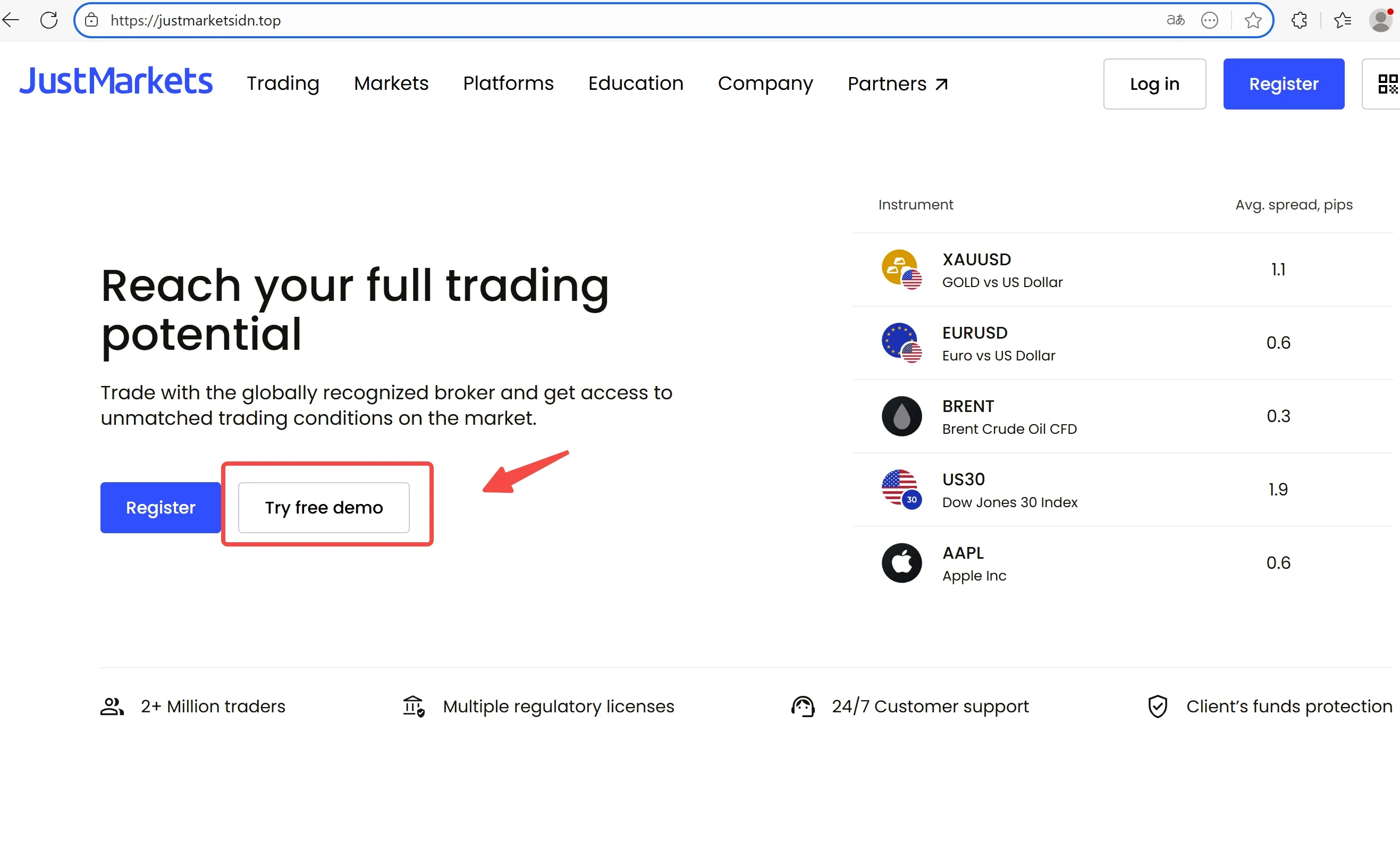
Step 3. Set virtual balance and leverage.
Step 4. Launch MT4/MT5 or web, and practice placing/closing orders and managing risk.
Logging in to MT4/MT5 Correctly
Step 1. Install the platform (PC or mobile) or open the web terminal.
Step 2. Click Log in to Trade Account.
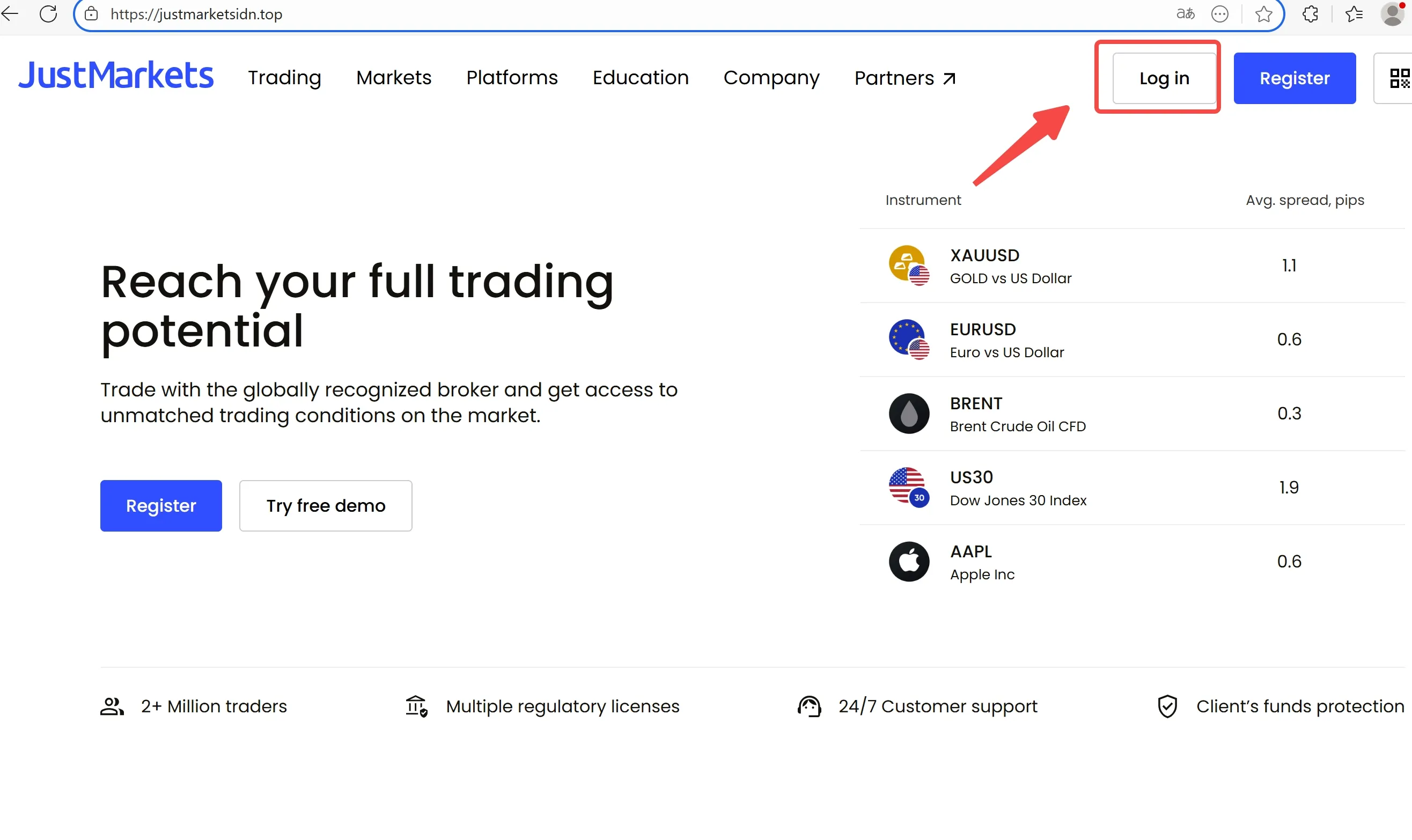
Step 3. Enter Login/Password and select the JustMarkets server shown in your personal area/email.
Step 4. If you cant connect, check server choice, credentials, and network; then contact support.
FAQs — JustMarkets Login & Accounts
- Where do I register?
Use Register on the website or start in the mobile app; both link to the same personal area.
- MT4 or MT5 for my first demo?
I tell beginners to start with MT5 for more timeframes/order types, then try MT4 if their EA stack requires it.
- Can I switch leverage later?
You can usually adjust leverage from the personal area, subject to account limits and risk checks.
- I cant find the right server in MT4/MT5.
Use “Find Broker/Servers,” search “JustMarkets,” and select the exact server name shown in your personal area.
- Do I need to verify identity before trading live?
Expect regional compliance checks. I complete any prompts early to avoid payout delays.
Risk first: I never trade live before I‘m fully comfortable on demo and I’ve verified that I can withdraw successfully.
Disclaimer:
The views in this article only represent the author's personal views, and do not constitute investment advice on this platform. This platform does not guarantee the accuracy, completeness and timeliness of the information in the article, and will not be liable for any loss caused by the use of or reliance on the information in the article.
WikiFX Broker
Latest News
OROKU EDGE Review 2026: What Traders Should Know About Withdrawal & Slippage Reports
WikiFXNZDCHF: Bearish Now, But Is Smart Money Preparing the Reversal?
WikiFXValutrades Rejects Exit Rumors Amid Client Review
WikiFXFxPro Opens Five CFDs To Weekend Trading
WikiFXIG Faces Hundreds Of Job Cuts In Global Restructure
WikiFXIndonesia's new finance minister faces an uphill battle on fiscal credibility
WikiFXSEC Alleges $16 Million Ponzi Scheme Targeted 200 Investors
WikiFXMalaysia To Host Asia Fintech Regulatory Summit
WikiFXWeekend CFD Trading Moves Beyond Gold as Brokers Add Oil, Silver and Indices
WikiFXFX Trading Share Falls Sharply Across Retail CFD Market
WikiFX