

Global Broker Regulation Inquiry App
About WikiFX
English
简体中文
繁體中文
English
Pусский
日本語
ภาษาไทย
Tiếng Việt
Bahasa Indonesia
Español
हिन्दी
Filippiiniläinen
Français
Deutsch
Português
Türkçe
한국어
العربية
اردو


VenturyFX Login – Access Your Trading Account and Platform

WikiFX
|


Abstract:Learn how to securely login to your VenturyFX account. Review steps for accessing the platform, recovering your credentials, and common login issues.
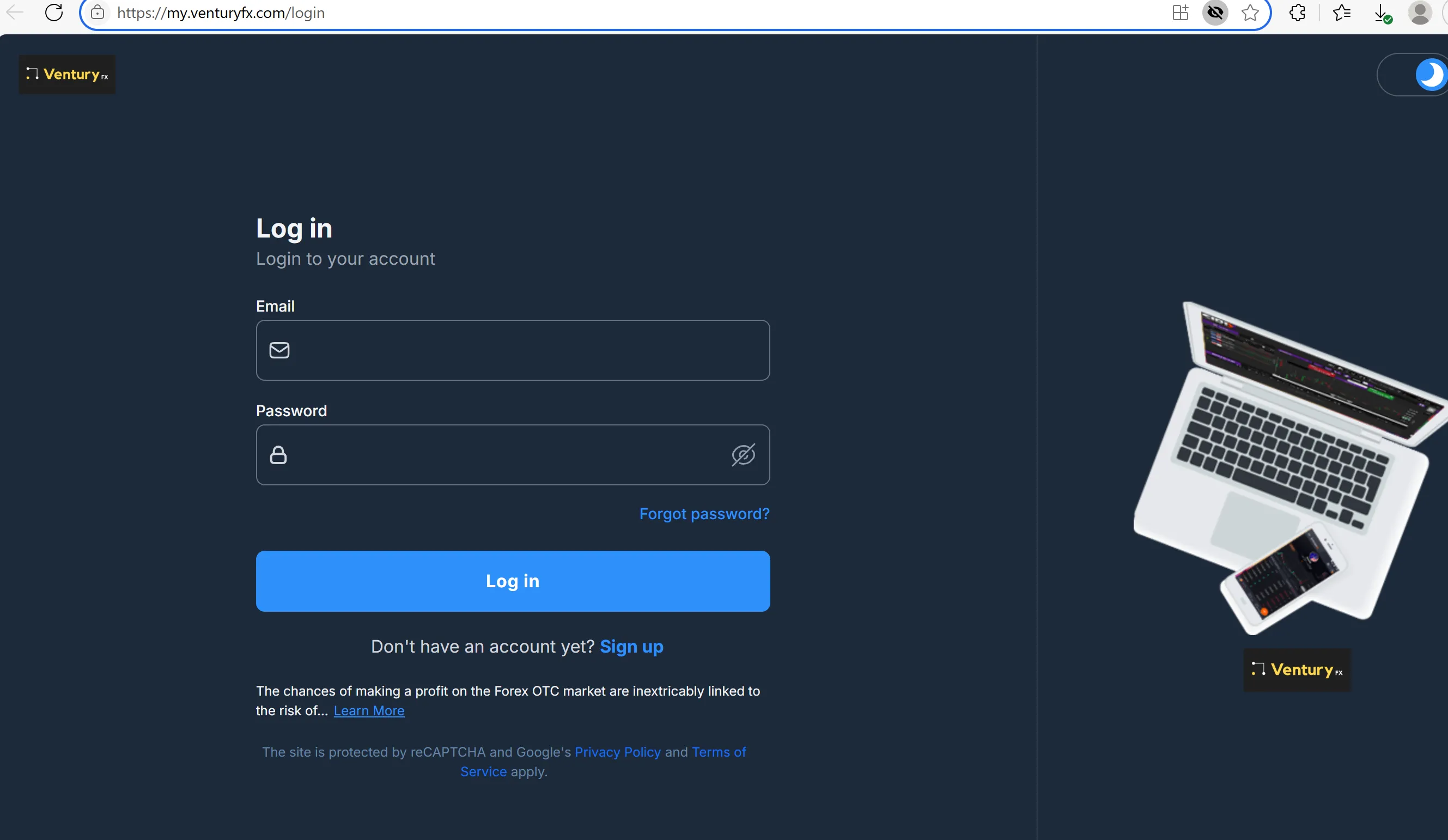
How to Login to VenturyFX?
The login portal is accessible at the top-right of the homepage. Users must input:
- Registered email
- Password
Theres a “Forgot password” link, but no multi-factor authentication or security advice is provided.
Platform Access Options
Once logged in, users can access:
- Web trader via browser
- Mobile trader app (iOS/Android)
No desktop client is available. User reviews mention difficulty accessing platforms during volatile periods.
⚠️ Login Security & Risks
VenturyFX lacks essential safeguards:
- No biometric login for mobile
- No confirmation on login attempt alerts
- No documented encryption standards
These weaknesses raise concerns about account protection.
❓FAQs about VenturyFX Login & Platform Access
Where can I log in to VenturyFX?
Via the main sites “Log In” button on the homepage.
Can I use a mobile app?
Yes, but app store links or credentials are not provided.
What if I forget my password?
You can reset via email, though support responsiveness is questionable.
Is login secured with 2FA?
No. The broker does not implement two-factor authentication.
Can I access my account globally?
Technically yes, but login errors are reported during high-traffic periods.
Disclaimer:
The views in this article only represent the author's personal views, and do not constitute investment advice on this platform. This platform does not guarantee the accuracy, completeness and timeliness of the information in the article, and will not be liable for any loss caused by the use of or reliance on the information in the article.
WikiFX Broker
Latest News
ELEV8 Review 2026: Fast Withdrawal Praise, Deposit Complaints & Regulation Explained
WikiFXNaira Slips to N1,361.84 per Dollar as CBN Data Shows N27 Loss in Two Sessions
WikiFXUS Interest Rate Forecast: Oil Rally Fuels December Fed Hike Risks
WikiFXSBI Chief Expects 50 bps RBI Rate Hike in December, Sees Consumer Credit Cooling
WikiFXEMAR MARKETS Review: What Traders Should Know Before Depositing
WikiFXSeven Detained in an Investment Scam Call Centre Raid
WikiFXU.S. Dollar Gains Ground As Traders Focus On Middle East Tensions: Analysis For EUR/USD, GBP/USD, USD/CAD, USD/JPY
WikiFXIndia's Forex Reserves Slip to $721 Billion as Gold Holdings Rise $706 Million
WikiFXMAS Brings Malaysia and Thailand Central Banks Into Bloom Digital Money Push
WikiFXOil Prices Retreat as Fed and ECB Decisions Loom
WikiFX