Abstract:The CQG One and CQG Desktop platforms have been upgraded by CQG, a supplier of high-performance technology solutions for traders, brokers, commercial hedgers, and exchanges.
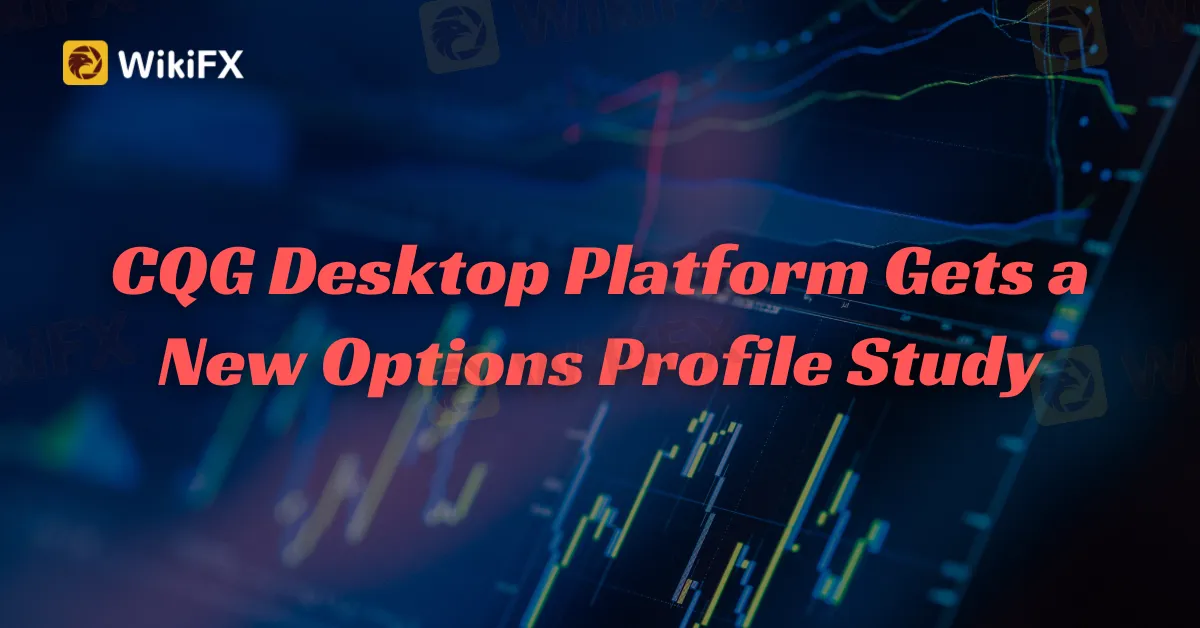
The most recent set of improvements concerns charting. CQG Desktop 7.11 includes additional profile study options. CQG Mobile for Android now includes the volatility Stop study.
Users of the site may also show/hide research values on the pricing scale. Users may also show/hide study lists on the site.
HMS/OTC
Possibility of setting the HMS base in the target currency
Possibility of imposing a premium percentage on an HMS product
After the bid expires, the Orders widget now displays the service group and product.
The possibility to bet on one month while hedging against another month has been added.
When rolling a working HMS order, you may now choose the next expiry date if there are no public bids with the next delivery date.
Finally, CQG One has integrated live chat with customer service.
The new cloud-based CQG One platform, designed for professional traders and institutional investors, combines the simplicity of the firm's retail-oriented CQG Desktop platform with many of the popular market data, charting, visualization, and advanced analytics features of CQG Integrated Client, its flagship professional trading platform.
The new platform offers premium features including one-click trade entry, enhanced charting and analytics, and portfolio sharing.
About CQG Trading Platform
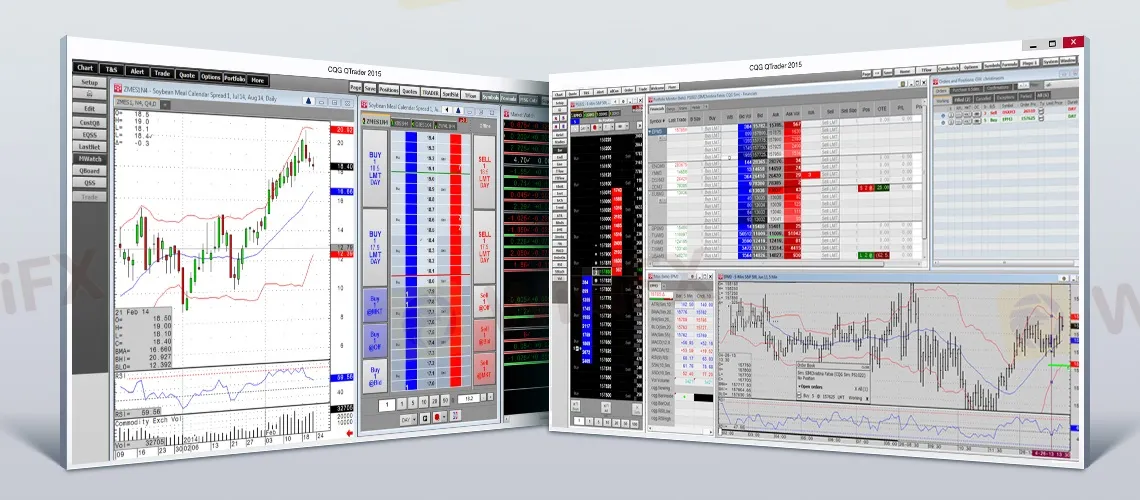
CQG (Continuous Quotes Generator) is a financial software firm that offers a trading platform for futures, options, and forex. CQG is well-known for its high-performance analytics, charting tools, and real-time data. Professional traders, brokers, and market makers use it to analyze market patterns, execute transactions, and manage risk. The CQG platform may be used as a standalone application or as part of a broker's trading system. It is compatible with a wide range of exchanges and market data streams, and it may be modified using APIs (Application Programming Interfaces) and other interfaces.
Stay tuned for more trading platform news.
Download and install the WikiFX App from the download link below to stay updated on the latest news, even on the go.
Download link: https://www.wikifx.com/en/download.html